Turn your screen into a MIDI controller
Transform your device into a powerful MIDI controller with ease. Control your music software with customizable interfaces and flexible mapping options, all from the convenience of your screen.
MidControl is a versatile MIDI controller application that allows you to transform your device into a powerful MIDI controller. With multiple interface types and flexible mapping options, MidControl gives you the freedom to customize your MIDI controls to fit your needs.
Use your device's screen to send MIDI messages to your music software, and take control of your music production like never before. Whether you're a producer, performer, or just looking for a fun way to experiment with MIDI, MidControl has something to offer for everyone.
Powerful and Intuitive Interfaces
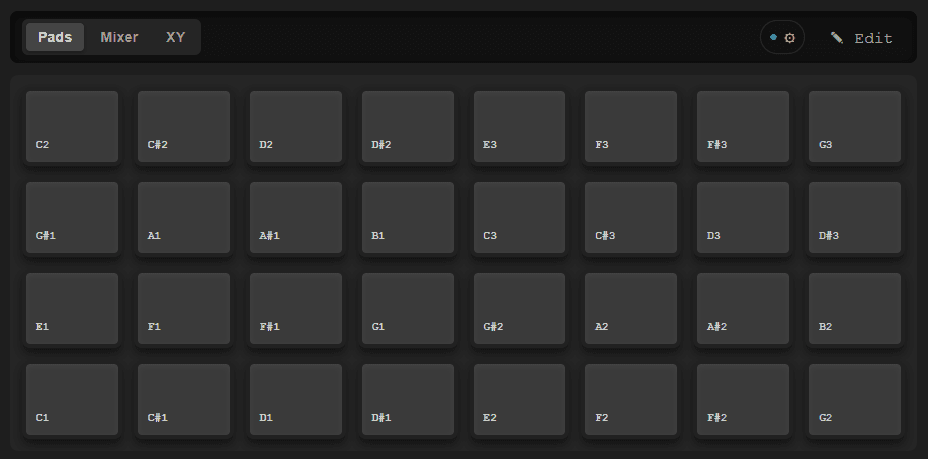
Send MIDI with a virtual drum pad interface
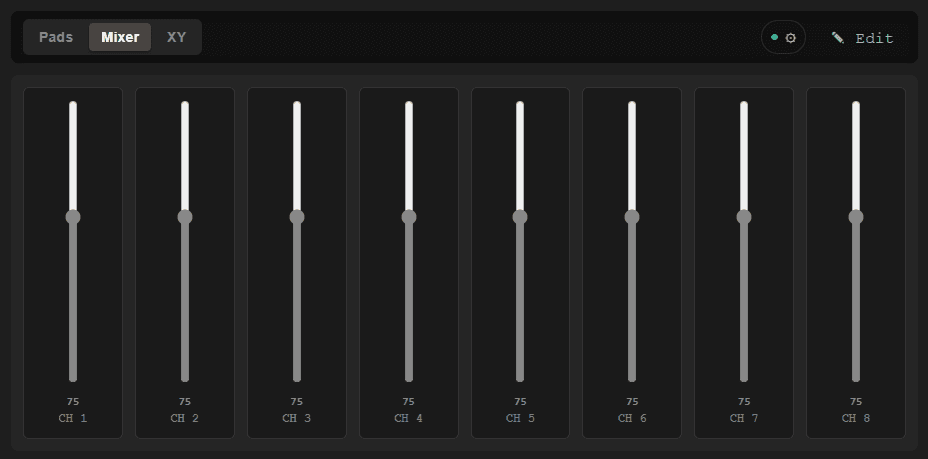
Use faders to send MIDI CC messages with precision
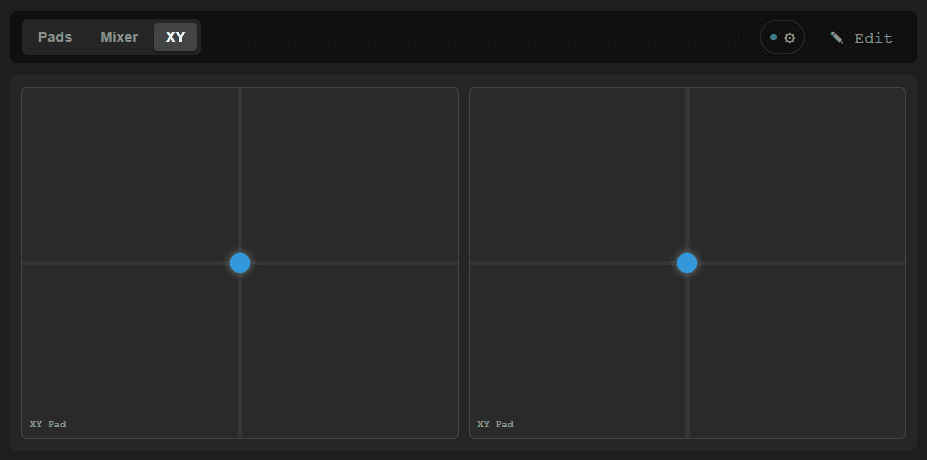
Use the XY pad to send MIDI CC messages with two dimensions of control
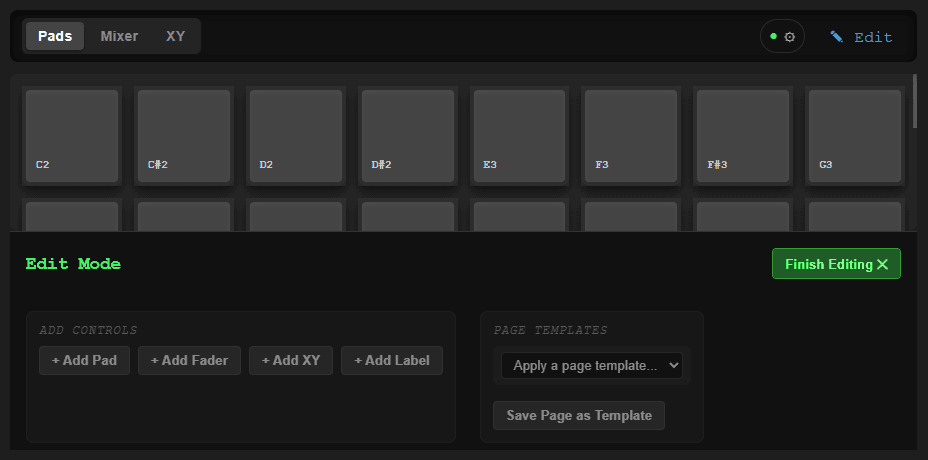
Edit your layouts and customize your MIDI controls to fit your needs
Flexible Mapping Options
Customize your MIDI controls with various mapping options for each interface type.
Drum Pads
Trigger Mappings
- MIDI Note
Continuous Mappings
- MIDI CC
MIDI Controls
- Program Change
- SysEx
- MIDI Machine Control
Faders
Continuous Mappings
- MIDI CC
- Channel Pressure
- Poly Key Pressure
- Pitch Bend
XY Pads
Trigger Mappings
- MIDI Note
Continuous Mappings
- MIDI CC
- Channel Pressure
- Poly Key Pressure
- Pitch Bend
MIDI Controls
- Program Change
- SysEx
- MIDI Machine Control
Control From Anywhere
MidControl Remote sends messages over Wi-Fi, allowing you to control your music software from anywhere within your network.
Whether you're on stage, in the studio, or just moving around your space, MidControl gives you the freedom to control your music without being tethered to your computer.
MidControl Remote requires the host application to be running on your computer. Make sure to enable the Remote Control Server in the settings of the host application to start using the remote control features.
Download the Host ApplicationFrequently Asked Questions
Get Started with MidControl Today
Download MidControl now and start controlling your music software in a whole new way!
Like Remote Control Apps?
Check Out Our Other Apps!
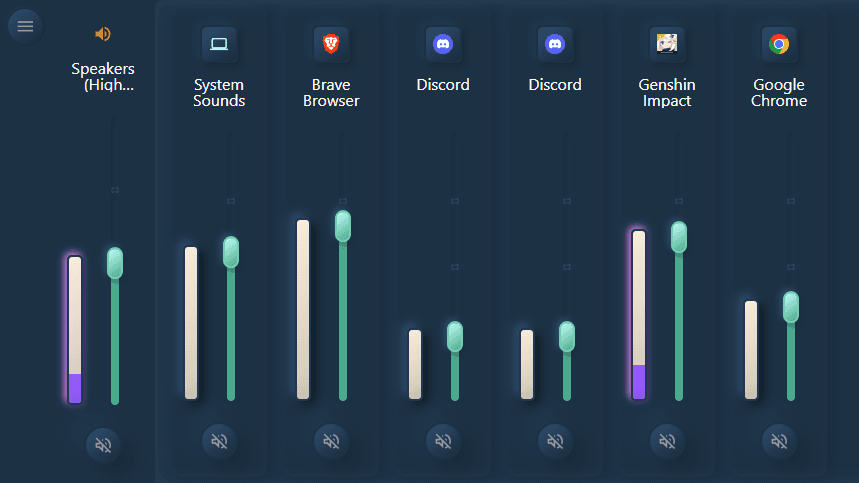

Volume Mixer
A remote control app for Windows volume mixer, allowing you to control the volume of your applications from your phone or web browser.

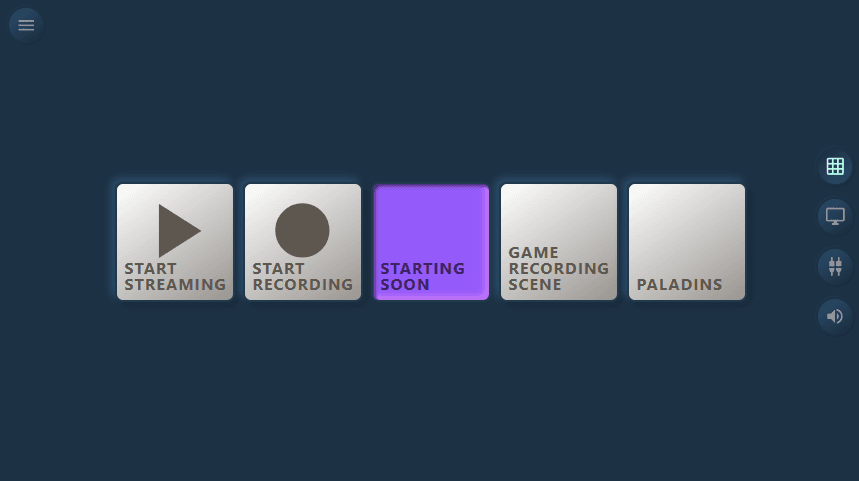
OBS Remote Control
A remote control app for OBS Studio, allowing you to control your OBS scenes, sources, and audio from your phone or web browser.